How do I redeem my points?Updated 8 months ago
To use your Loyalty points on an order, please follow the steps below:
Step 1: Log in to your account
Make sure you’re logged into your Ekster account before proceeding to checkout. Loyalty rewards are only available to logged-in customers.
Step 2: Go to checkout
Once logged in, add your items to the cart and continue to checkout as usual.
Step 3: Apply your voucher
If you have available Loyalty points, any eligible vouchers will appear at checkout, where you can select and apply them to your order.
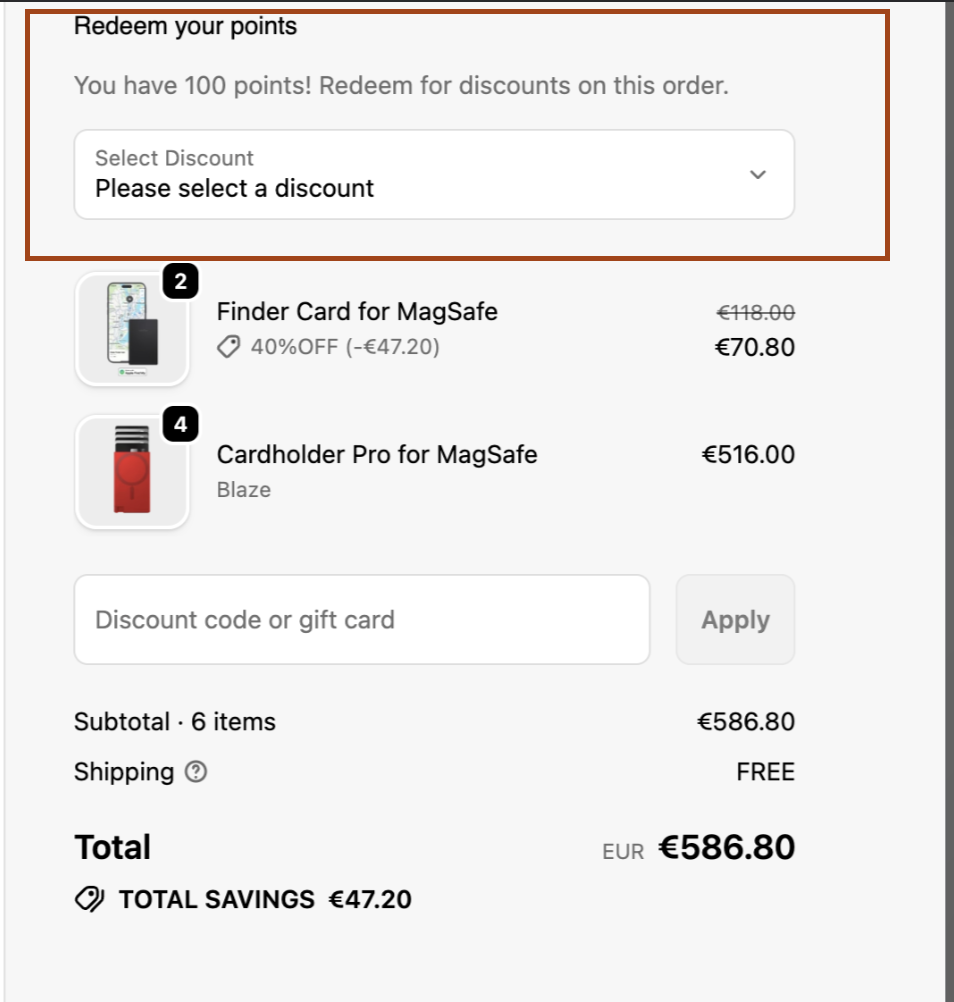
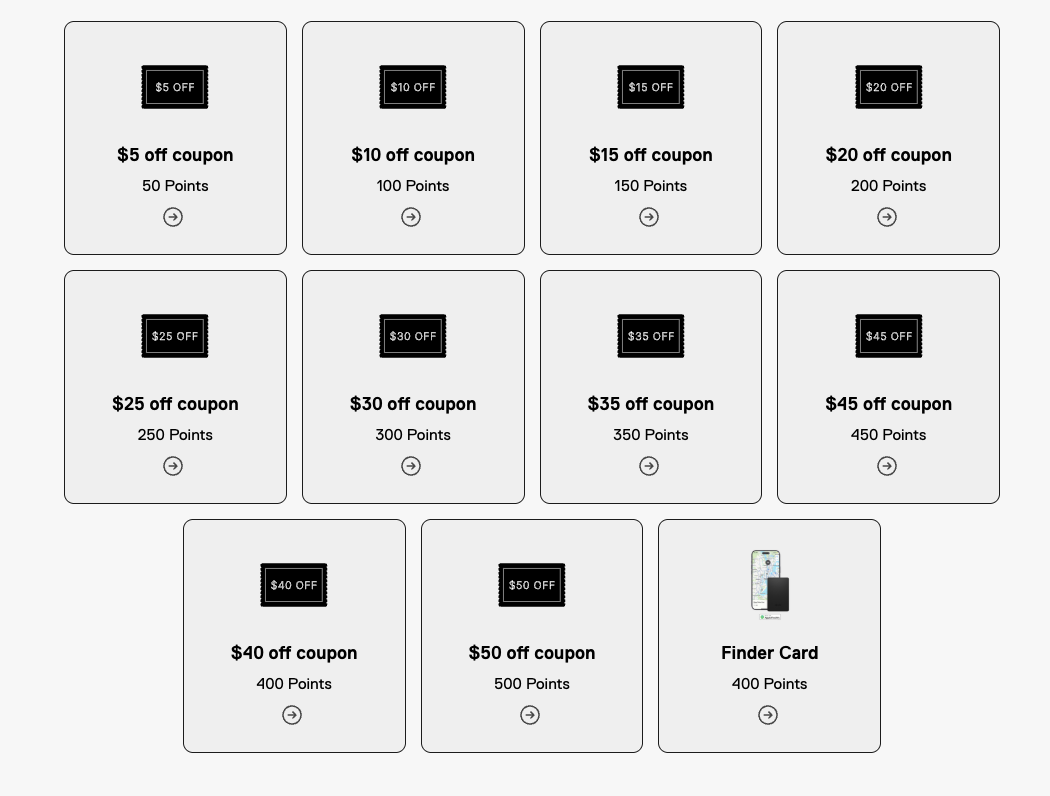
You can also redeem your points directly from your Loyalty account

If you're having trouble with your Loyalty Point please use our Contact Form and we'll help you out!